Auto Reporting: How Teams Get Scheduled AI Insights Without Another Spreadsheet
Define auto reporting as recurring, machine-generated briefs from live tools—not manual chart updates. See how schedules, prompts, and destinations replace copy-paste workflows.
AutoReport Team
Product
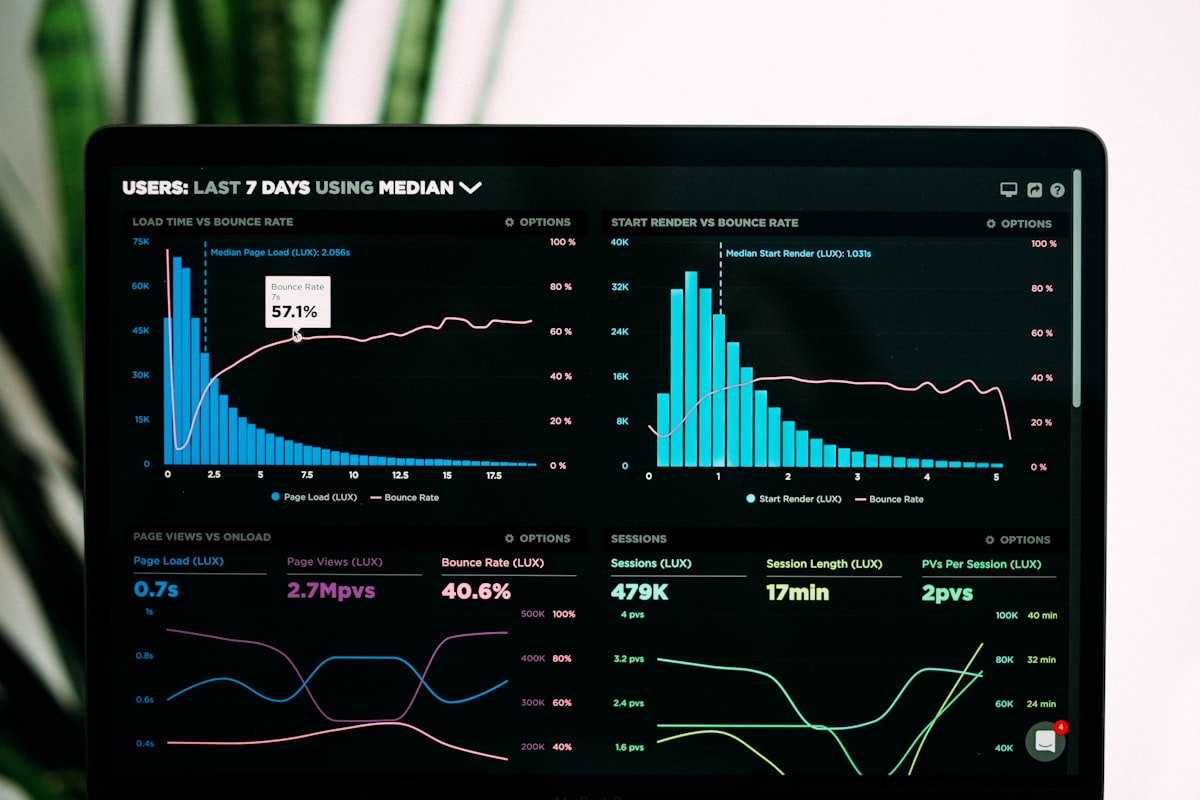
“Auto reporting” sounds like a dashboard that refreshes. In practice, most teams mean something more specific: a document or message that shows up on a predictable cadence, answers a fixed set of questions, and spares someone from opening six tabs. Search demand for auto reporting often comes from operators who are tired of being the human glue between SaaS tools. AutoReport is built for that job: connect sources, describe the output in natural language, schedule runs, and deliver to the channels people already use.
The anatomy of a useful automated report
- Source of truth: APIs and integrations (or webhooks) instead of static exports
- Intent: a prompt that encodes what “good” looks like for your team
- Cadence: daily, weekly, or custom schedules matched to how you work
- Destination: email, Slack, WhatsApp, webhook, or another integration
- Accountability: run history so you know what went out and when
Without all five, you slide back into manual work. Spreadsheets are not the enemy—unscheduled, unowned spreadsheets are. Automation shines when the same question gets answered the same way every Friday.
Why AI belongs in the loop
Traditional reporting pipelines need ETL, a BI tool, and a human to interpret charts. For many SMB and mid-market teams, that is overkill. Large language models are surprisingly good at turning structured tool output into readable prose, as long as you constrain the task: time bounds, metrics definitions, tone, and length. AutoReport uses that pattern end-to-end so you are not maintaining SQL for a weekly paragraph.
Examples that map to real searches
- Engineering: commits, tickets, and release notes rolled into a Monday digest
- Revenue: subscription and payment activity summarized for leadership
- Operations: exceptions and SLA breaches pulled from databases or productivity tools
- Go-to-market: CRM or spreadsheet sources combined once connectors exist
The last mile—delivery—is where adoption happens. A report that lives only in a BI login might as well not exist for busy executives. Push to Slack or email, and people read it.
Try auto reporting with your own sources and schedule: create a report, connect a tool, and send the first run to your inbox or Slack—free to start.
Get started freeReady to automate your reporting?
Connect your tools, write a prompt, and get AI-generated reports delivered on your schedule. Free to start.
Create your first report